Your Reels used to reach people who don't follow you, and now the views stop at your own followers. Sometimes that is an Instagram shadowban, the name people give to posts Instagram quietly stops recommending. Other times, the cause is a weaker opening, a format change or a quiet week.
The hard part is telling which one you are dealing with. So, how do you check, and what can you actually fix?
What Is an Instagram Shadowban?
Instagram does not use the word, and it says it does not intend to limit content without a clear explanation. In practice, a shadowban on Instagram means your posts stop being recommended to people who don't follow you, usually because something breaks Instagram's recommendation guidelines. You can check it in Account Status, and if a post is marked as not eligible, you can edit it, delete it or request a review.
Myth vs reality: A shadowban does not hide your account from followers. Posts that break the recommendation rules still reach followers in Feed and Stories; they just stop being shown to strangers in places like Explore, Reels and Search.
Account Status is not a complete record, though. When The Markup tested it in 2024 (opens in a new tab), some limits, such as restrictions on commenting, did not show up there.
Signs of a Shadowban on Instagram vs Normal Reach Drops
Reach moves for many reasons, so one weak post proves very little. What to look for is a drop in non-follower views across several new posts while views from followers hold steady.
Rule out timing first: a post published while your followers sleep starts slower, which is why the best time to post on Instagram depends on your audience.
| What you notice | Shadowban sign? | Other explanation to rule out |
|---|---|---|
| Non-follower views fall on every new post | Possibly, so check Account Status | Posting fewer Reels, the format built to reach non-followers |
| One post gets far fewer views than usual | Unlikely | A weaker opening, topic or posting time |
| Posts don't appear under a hashtag | Unlikely | Hashtags no longer add reach on their own |
| You can't like, follow or comment for a while | No, that is a feature limit | A temporary limit on actions, not on reach |
| Your follower count drops | No | A follower problem, not a reach problem |
Follower counts fall for their own reasons, from unfollows to Instagram clearing out inauthentic follows, which is why you might be losing followers even when reach is fine.
Your own Explore page changing is not a sign either. It shifts when you reset your Instagram algorithm or tap Not interested on posts.
How to Run an Instagram Shadowban Check
Instagram's own tools beat any outside checker, because only Instagram knows whether a post is eligible for recommendation.
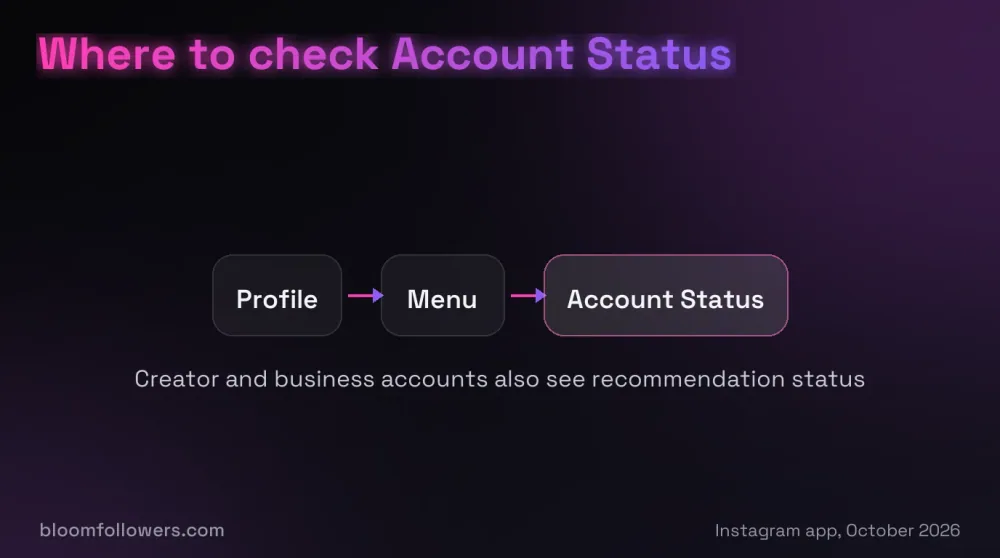
Open Account Status
Go to your profile, tap the menu icon (three lines) at the top right, then scroll down and tap Account Status. If the menu looks different, type "account status" into the search bar at the top of your settings.
This page lists any removed content, features you can't use right now and whether your account is at risk of being disabled.
Read the Recommendations Section
Creator and business accounts also see whether their posts can be recommended to people who don't follow them. Each warning points to the post, profile photo or bio that caused it.
Instagram added that view in December 2022 (opens in a new tab), and personal accounts don't get it.
Compare Follower and Non-Follower Views
If you have a creator or business account, open Insights for your last few posts and check where the views came from. Instagram splits views between followers and non-followers, so a sharp drop on the non-follower side, with followers steady, points to recommendations.
Non-follower views mostly come from Reels and Explore, which rank posts differently from Feed and are the places a recommendation limit removes you from.
Why an Instagram Shadowban Test Site Falls Short
Outside checker sites can only see public pages, such as whether a post appears under a hashtag. They cannot open your Account Status, so a clean result proves nothing.
Hashtags matter less than they did anyway: since December 2025, Instagram has been limiting captions to five, so choose the best hashtags for Instagram for meaning, not reach.
Watch out: If a checker asks for your Instagram password, close it. An app that logs in as you can like, follow and comment on your behalf, which is exactly the activity Instagram removes.
Why Instagram Stops Recommending Posts
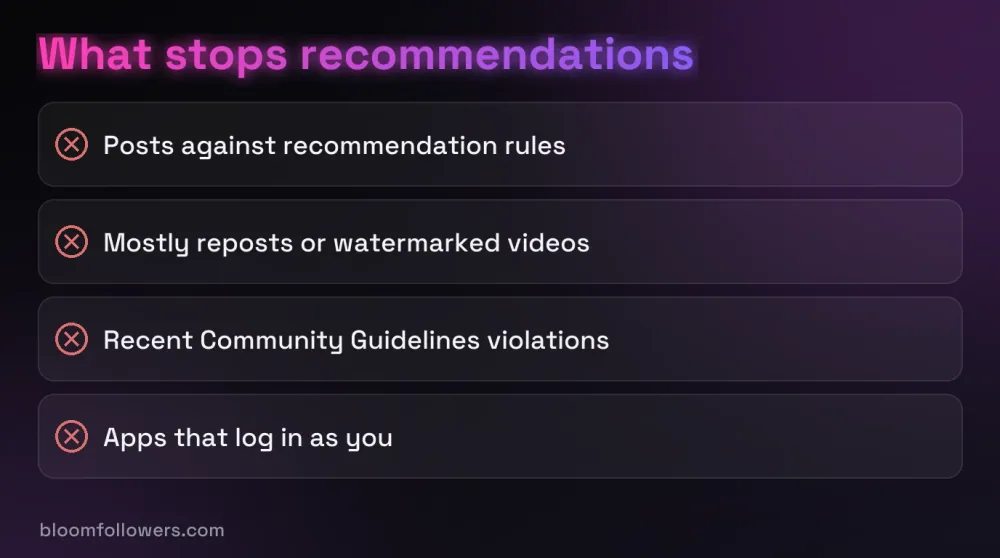
Posts That Break the Recommendation Guidelines
Instagram keeps a stricter rulebook for what it recommends than for what it allows. A post can stay up and still be left out of recommendations, for example violent content or posts promoting tobacco, vaping or pharmaceutical drugs.
Your profile counts too, since a profile photo or bio can make the whole account ineligible.
Reposts and Watermarked Videos
Since April 2024, Instagram has recommended the original instead of copies (opens in a new tab) when the same content appears more than once.
On April 30, 2026, it extended that to photos and carousels (opens in a new tab): if most of an account's posts over a rolling 30 days are reposts, they stop being recommended. Videos with another app's visible watermark are less likely to be recommended too.
Recent Rule Violations
When Instagram removes a post for breaking its Community Guidelines, recommendations can suffer as well. Repeat violations make none of an account's posts eligible for recommendation for a period of time, and those removals appear under Removed content in Account Status.
Automation and Inauthentic Activity
Instagram treats automated likes, follows and comments as inauthentic activity. Since November 2018, it has removed that activity when it comes from apps that log in to accounts, and it asks those users to change their password.
Posting the same comment over and over, or liking and following at very high speed, also counts as spam under Meta's rules. At BloomFollowers, we never ask for your password, only a public username or a post link.
How to Fix Instagram Shadowban Problems
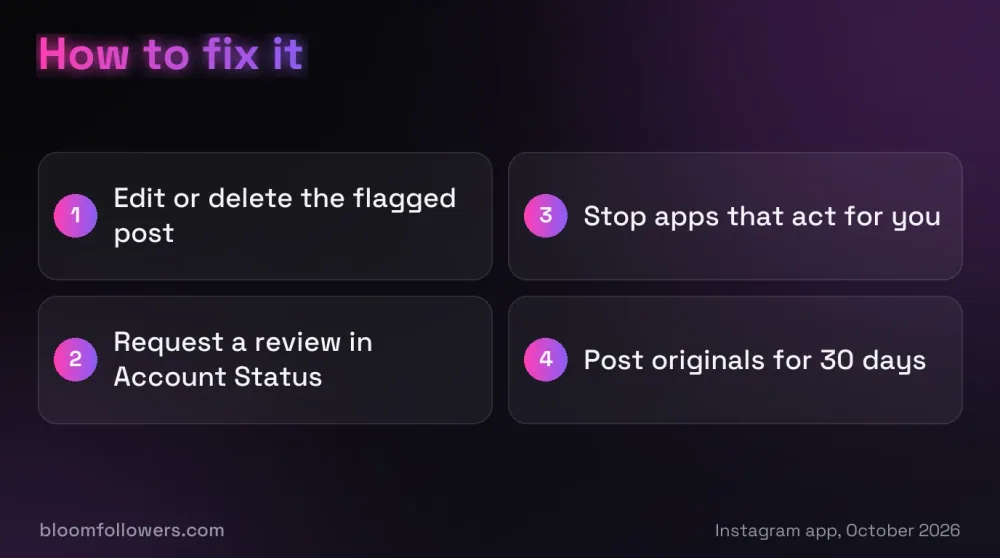
Edit or Delete the Flagged Post
Open the warning in Account Status and look at the sample it shows. Edit the caption if that is the problem, or delete the post if the content itself breaks the rules.
For a profile warning, change the photo, name or bio it points to.
Request a Review
If you think Instagram got it wrong, open the item in Account Status and choose to disagree with the decision, so a reviewer takes another look. For removed posts, reviews cover most violation types, and some decisions can then go to Meta's Oversight Board.
Stop Apps That Act for You
Stop using any app or service that logs in to your account to like, follow or comment for you. Then change your password so it can't log in again.
Post Originals for the Next 30 Days
Because reposting is judged over a rolling 30 days, a month of mostly original posts can move an account back into recommendations. Instagram publishes no fixed length for other limits, so check Account Status again after each change.
Giving New Posts a Fair Start
Once Account Status is clear and your posts are your own, the next job is getting new posts noticed. Some creators add a small number of likes or views to a fresh post, so first-time visitors see activity instead of an empty counter.
That is what we do at BloomFollowers. Likes and views come from real, active profiles, and delivery starts within minutes and can be spread over several days at no extra cost.
We only need your public username or the post link, never your password. Every order has a 7-day money-back guarantee, and our Instagram growth bundles put followers, views, likes and comments in one order, from $55.99.
| Service | Starts at | Good for | Link |
|---|---|---|---|
| Likes | $1.49 for 50 likes | Social proof on a new post | See like packages |
| Views | $1.99 for 500 views | New Reels and videos | See view packages |
| Instagram bundles | $55.99 (Instagram Starter Bundle) | Followers, views, likes and comments in one order | See Instagram bundles |
| Followers | $2.99 for 100 followers | A profile that looks established | See follower packages |

Give your next post a start with likes and views, or a bundle of followers, views, likes and comments, all from real, active profiles. Delivery is gradual, we never ask for your password, and every order has a 7-day money-back guarantee.
Getting Your Reach Back After a Suspected Shadowban
A suspected Instagram shadowban comes down to three checks: Account Status, non-follower views in Insights, and whether your recent posts are your own.
Fix what Account Status names first, then give the next month of posts their best chance with original Reels and a strong opening. Next step: open Account Status today and take a screenshot, so you can compare it after each change.
Instagram Shadowban FAQs

How long does an Instagram shadowban last?
Instagram does not publish a fixed length. Editing a post or winning a review can make it eligible again. Accounts that mostly repost are judged over a rolling 30 days, and repeat rule breaks block recommendations for a period Instagram does not specify, so check Account Status after each change.
Does Instagram shadowban accounts or just posts?
Both can happen. Single posts can be marked as not eligible for recommendation, and an account with repeated violations can have none of its posts recommended for a while. Creator and business accounts see both in Account Status, along with any profile details, such as a bio, that broke the rules.
Can Instagram Reels be shadowbanned?
Yes. A Reel can be left out of the Reels tab and Explore while your followers still see it. Reposted clips are a common cause, since Instagram recommends the original when the same video appears more than once, and videos with another app's visible watermark are less likely to be recommended.
Can a private account be shadowbanned?
A private account only shows posts to approved followers, so its posts don't appear in Explore or Reels for strangers in the first place. That leaves no recommendation reach to lose. If followers stop seeing your posts, check Account Status for removed content or limits on features instead.

Was this helpful?